Claudebin is a project I built together with Vlad Temian. You can follow him on X and GitHub.
This is the thread used to write parts of this article.
I use Claude Code daily, Vlad does too, and we often work on the same projects.
A typical exchange looked like this. I would spend thirty minutes debugging something with Claude, iterating on prompts, running commands, inspecting files, adjusting constraints, refining the output until it felt correct. Then I would want to show Vlad what I did.
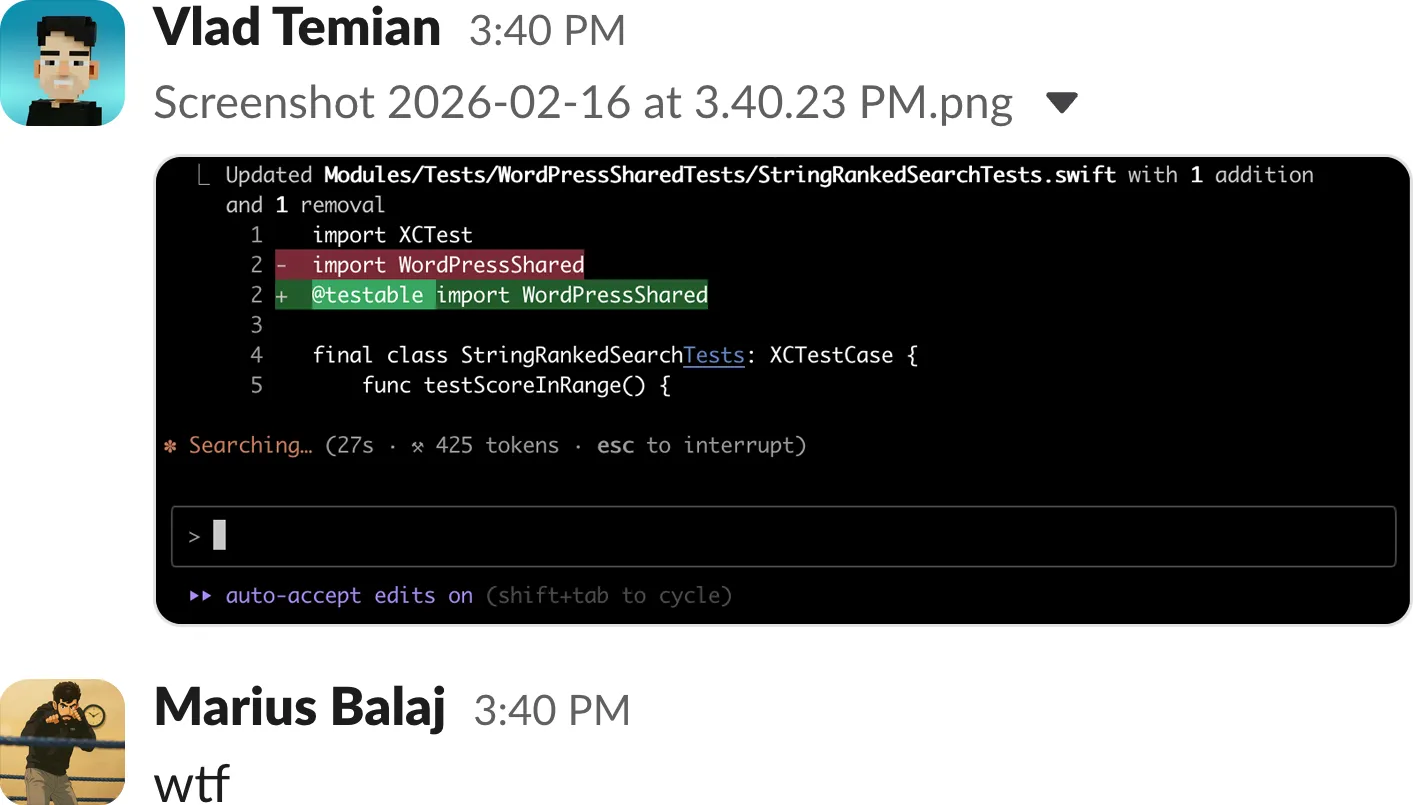
At that point, the workflow would fall apart.
Screenshots of the terminal lose structure immediately and become hard to follow once there are more than a few of them.
Copy-pasting chunks into Slack strips formatting and makes tool calls blend into noise. Dumping the entire session into a gist technically preserves everything but turns it into a wall of text that no one realistically wants to scroll through.
⏺ Read 1 file (ctrl+o to expand)
⏺ Bash(cp /Users/balajmarius/Desktop/slack-conversation.png /Users/balajmarius/Work/balajmarius.com
      /public/images/making-claude-code-sessions-shareable/slack-conversat…)
  ⎿  Done
⏺ Update(src/content/posts/making-claude-code-sessions-shareable.md)
  ⎿  Added 5 lines
None of these options preserve the session as it actually happened. What we wanted was much simpler: a link to the actual session.
The process is invisible
Pull requests solve the problem of sharing output, but they do not solve the problem of sharing process.
A pull request shows the final diff, it does not show what I tried first, what the model suggested and I rejected, which files were inspected along the way, what commands were executed in the terminal, how the solution evolved over multiple iterations, or what product specifications and constraints I initially gave to the AI.
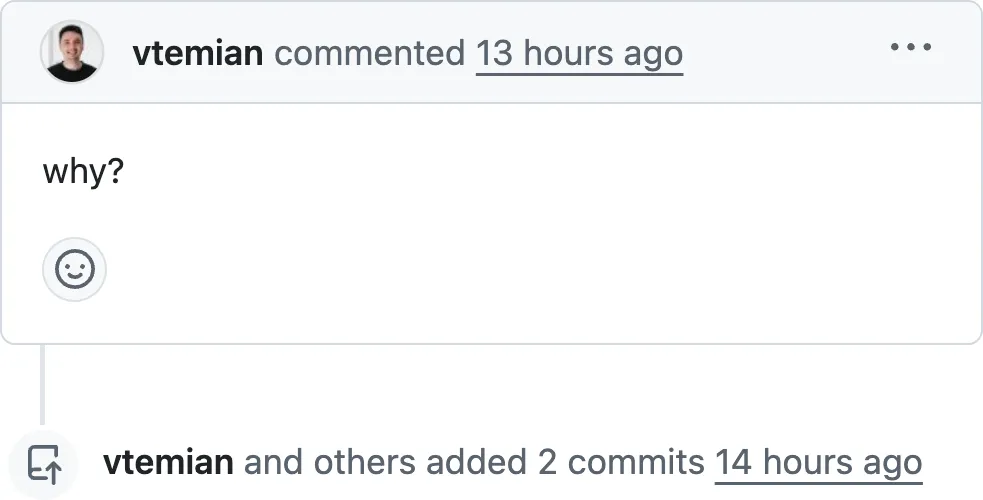
When AI is part of the workflow, the conversation becomes part of the engineering process.
Claude Code supports resume inside the terminal, which is useful when continuing work alone.
What it does not provide is a structured way to inspect that session outside the terminal or share it with someone else. The session still remains trapped in scrollback.
Documentation without context
The same issue became obvious when writing tutorials and documentation. Most AI-based examples show the final prompt and the final result, which makes the process look clean and linear.
In reality, the useful part is often the messy middle, the adjustments to prompts, the tool calls, the corrections after unexpected outputs, the gradual tightening of the specification.
If I am building something with Claude Code and writing about it, the interaction with the model is not incidental. It is part of the material.
Screenshots are static and do not scale. Copy paste removes structure and makes longer sessions hard to follow. Raw logs preserve everything but sacrifice readability.
There was no good way to embed a real session in a blog post or documentation page while keeping it navigable. That gap became Claudebin.
Claudebin
Claudebin is a Claude Code plugin that turns a terminal session into something you can share and read comfortably.
After installing it, sharing a session is a single command:
/claudebin:share
That command captures the current session and generates a URL. There is no exporting, no cleaning up logs, no screenshots.
The session is rendered in a web UI designed for inspection rather than execution. Code blocks are syntax highlighted so they remain readable.
Tool calls such as file reads, writes, bash commands, web searches, and MCP calls can be collapsed so they do not dominate the screen.
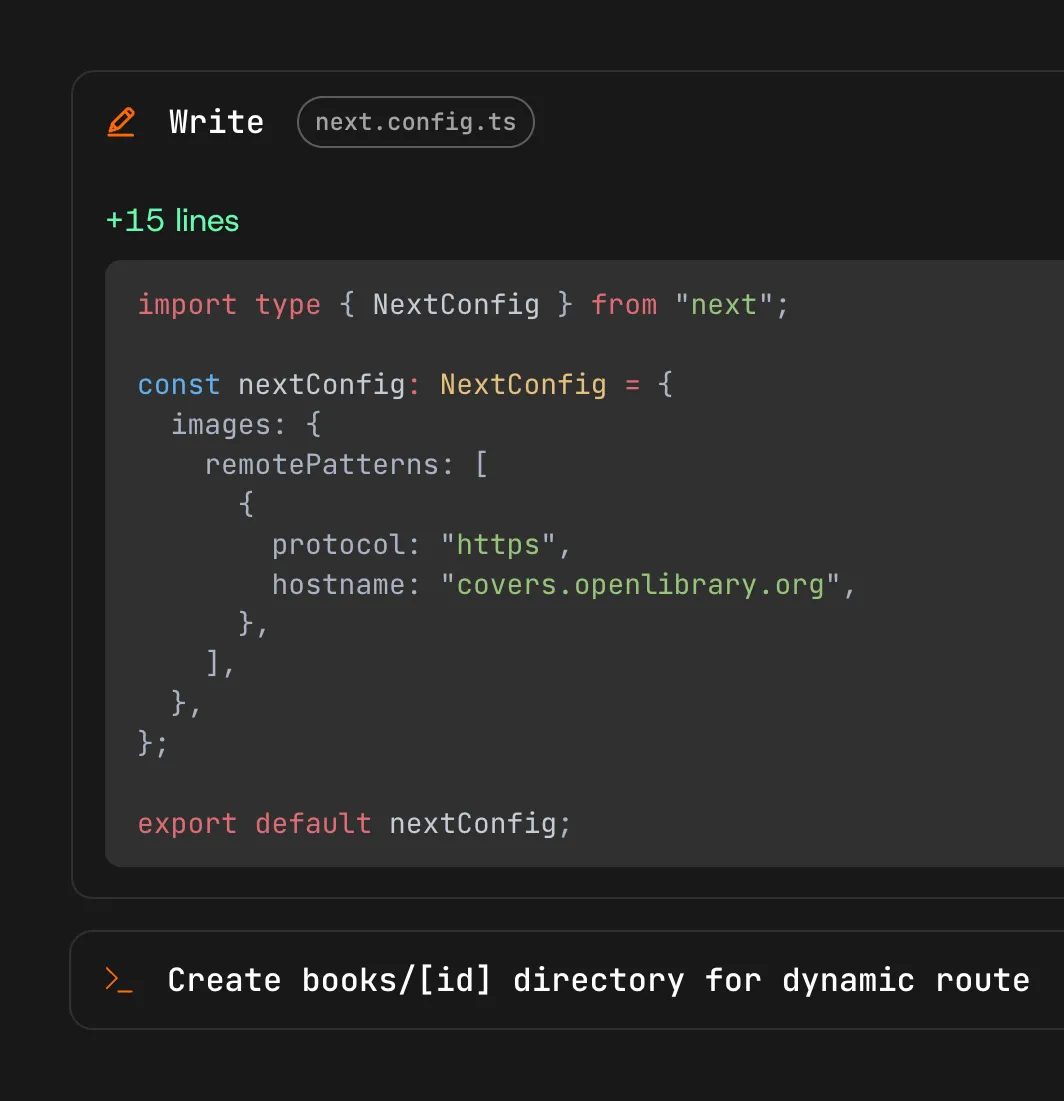
User and assistant messages are clearly separated so the conversation keeps its structure.
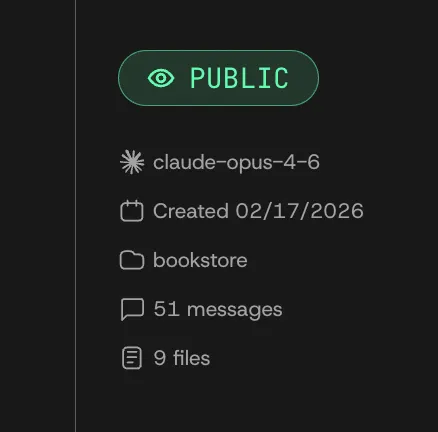
Threads can be public and discoverable or unlisted and shared privately with a link, depending on the use case. Instead of scrolling through a terminal buffer, you get a session that can be browsed, referenced, and sent to someone else without additional explanation.
Continuing a conversation
Sharing a session is useful, but being able to continue it is even more practical. Every thread includes a Continue conversation option in the sidebar. Clicking it provides a one-line curl command that fetches the thread as markdown and pipes it directly into Claude Code.
Running that command in your terminal loads the entire conversation as context. Claude reads through what has already happened, summarizes it, and asks how you would like to proceed.
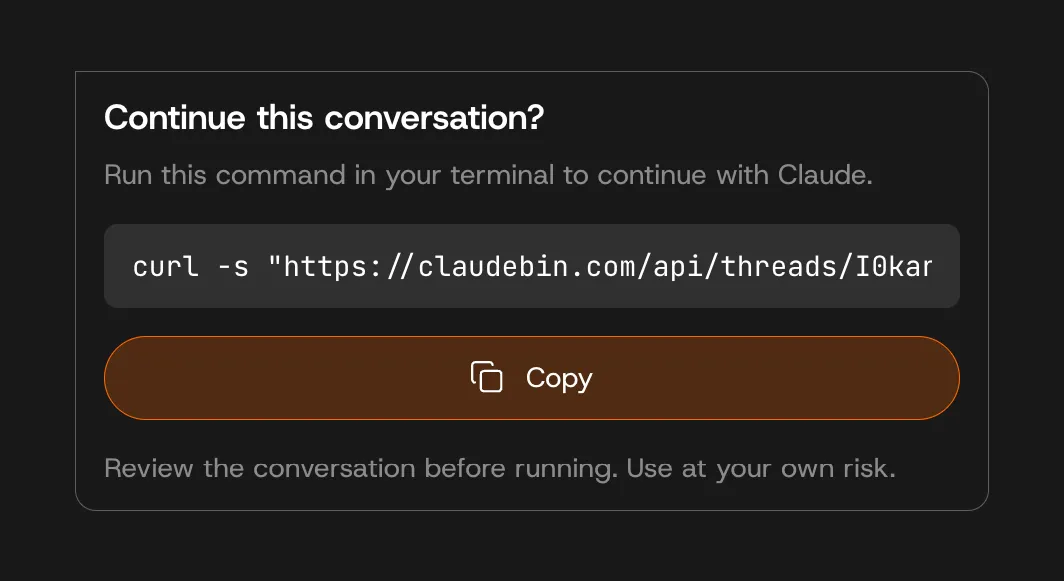
From that point forward, you are in a normal Claude Code session with full historical context. The shared thread becomes a starting point rather than a static artifact.
Embedding sessions
Sometimes the goal is not to share the entire session but to include part of it inside documentation. Claudebin supports selecting a range of messages and generating an iframe snippet that can be embedded in a blog post, tutorial, or README.
The embedded view preserves formatting, avatars, syntax highlighting, and tool calls, along with a small footer that links back to the original thread. Instead of describing what happened, you can show it exactly as it happened.
Sharing externally
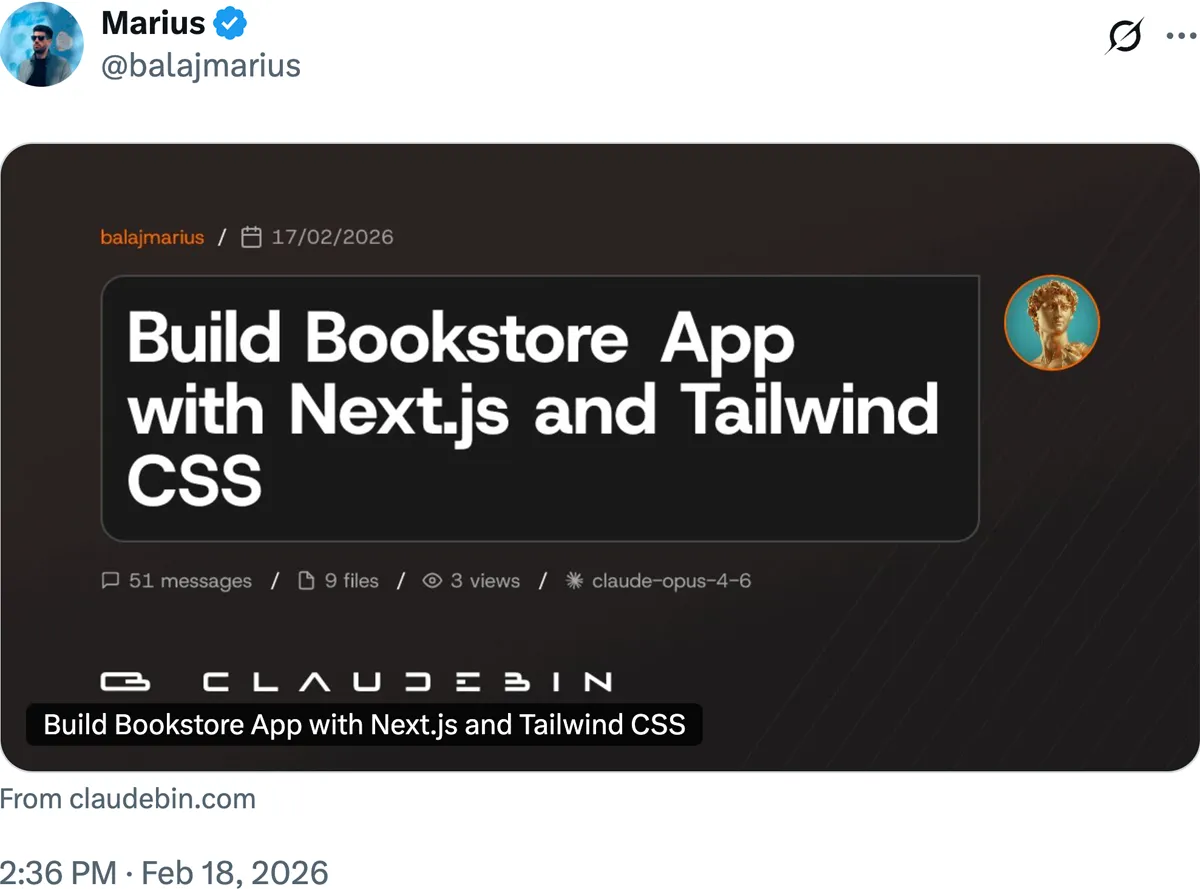
Each thread has a canonical URL. When shared on platforms such as Twitter, LinkedIn, Slack, or Discord, it generates a preview card automatically.
Every session receives an Open Graph image at publish time, including the thread title, author, date, model used, and summary statistics such as message count and file interactions. Sharing the link is enough to generate a clean preview.
Building it
We built Claudebin while actively using it ourselves, iterating on the CLI flow, the viewer, embedding, and continuation features as we encountered friction in day-to-day work. It is open source and free to use.
If you are using Claude Code and want your sessions to be inspectable, readable, and shareable, start on GitHub, try it in your workflow, and open a pull request if you see something that can be improved.
PRs are welcome!